Upwork Statistics Explained

Hello everyone! This article is for you in case you don't understand what Upwork stats and trends page means.
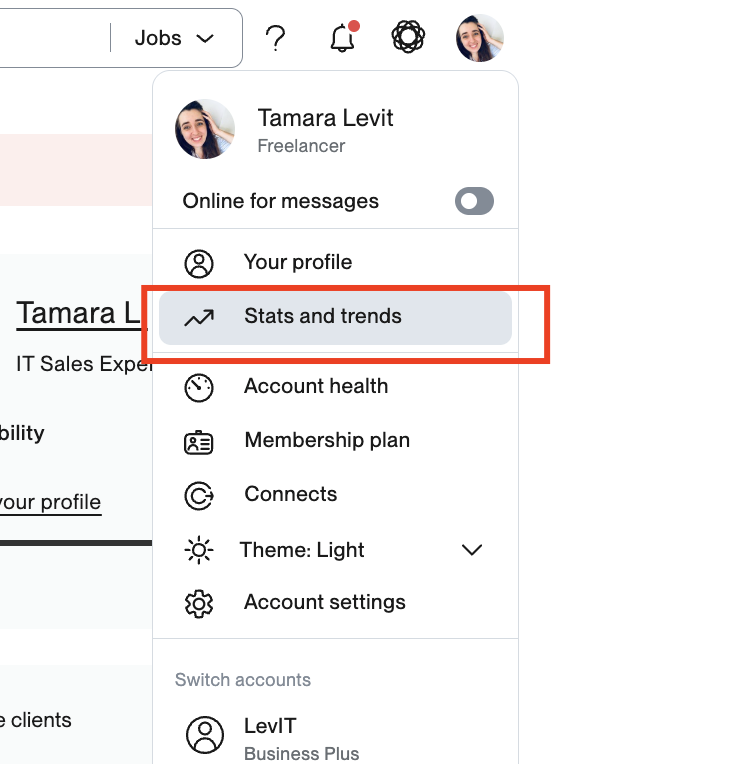
If you don't know where to get stats page, it's here:
The first section you see it's about your bids. Meaning that these stats are about cover letters you are sending on jobs
Proposals Sent and Viewed
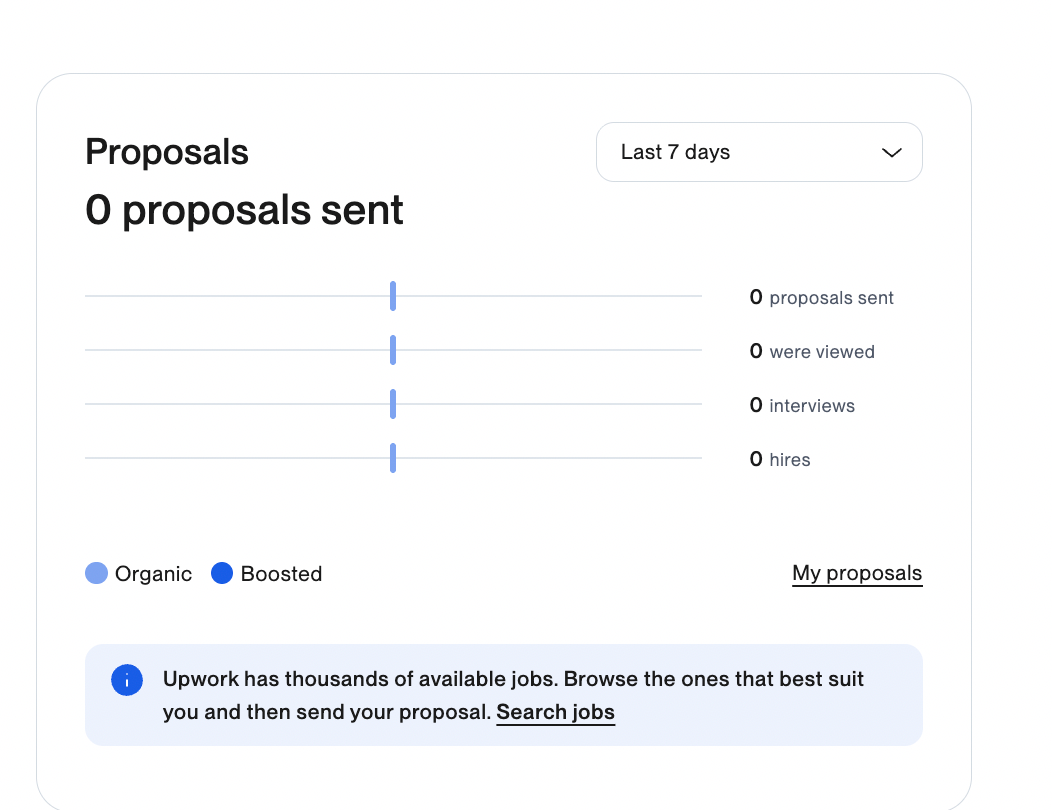
Sent means - how many bids did you send
View means that client clicked on your cover letter
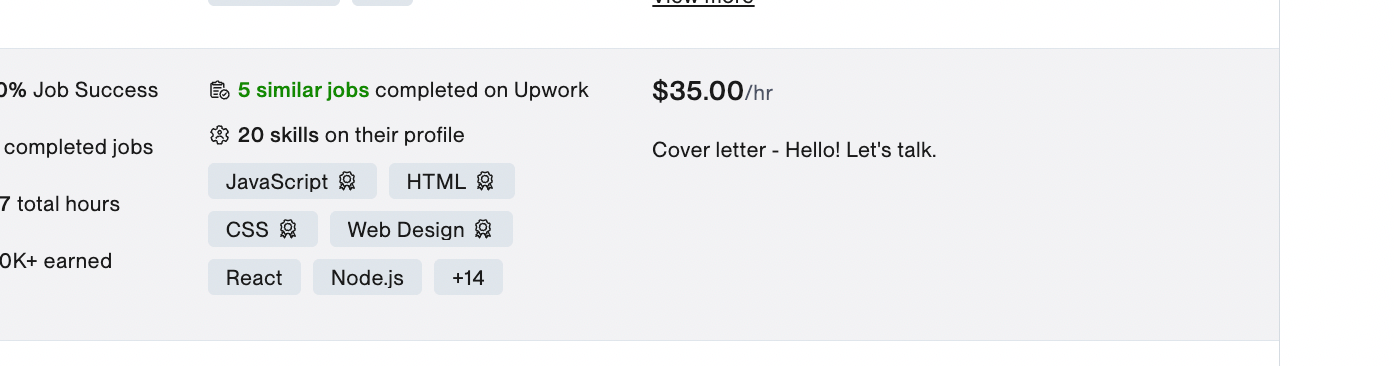
Interviews
And interviews means that you got a reply
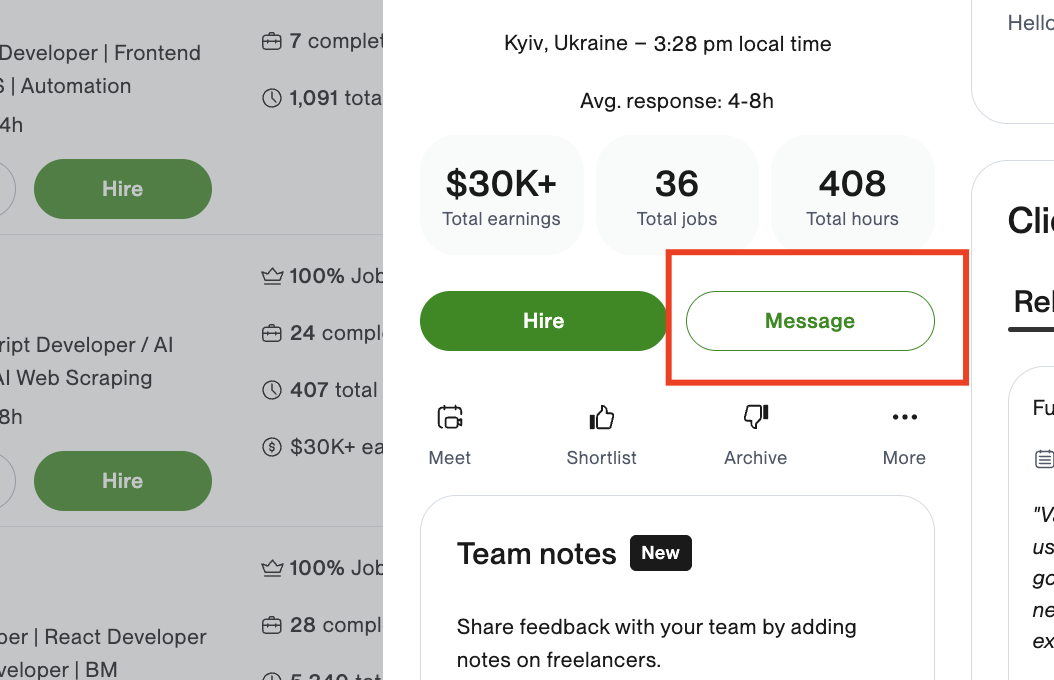
Hire means that someone hired you during this period and it's not obvious but the hire could be without a bid.
On the bottom profile metrics show an inbound.
Views
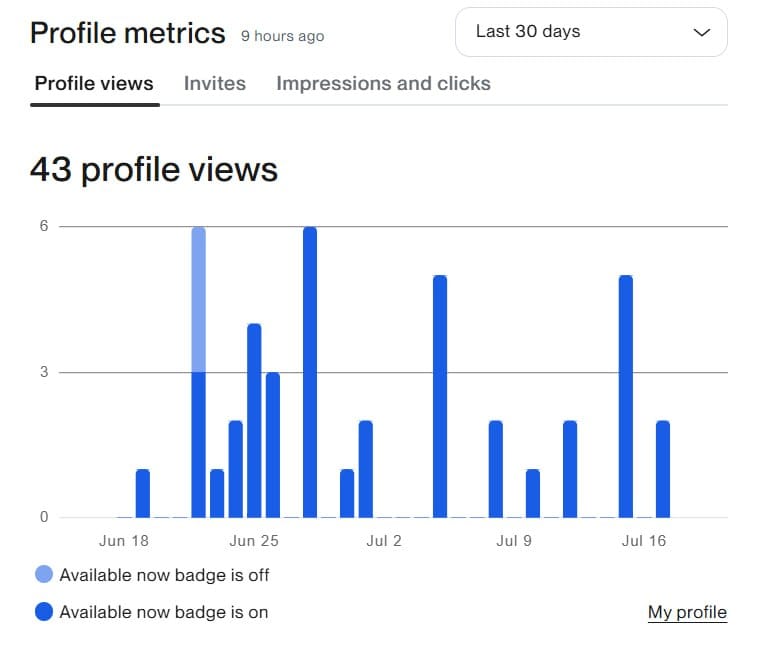
Views mean the organic part. And it means not a look! It means click! Attention! Click but an organic one.
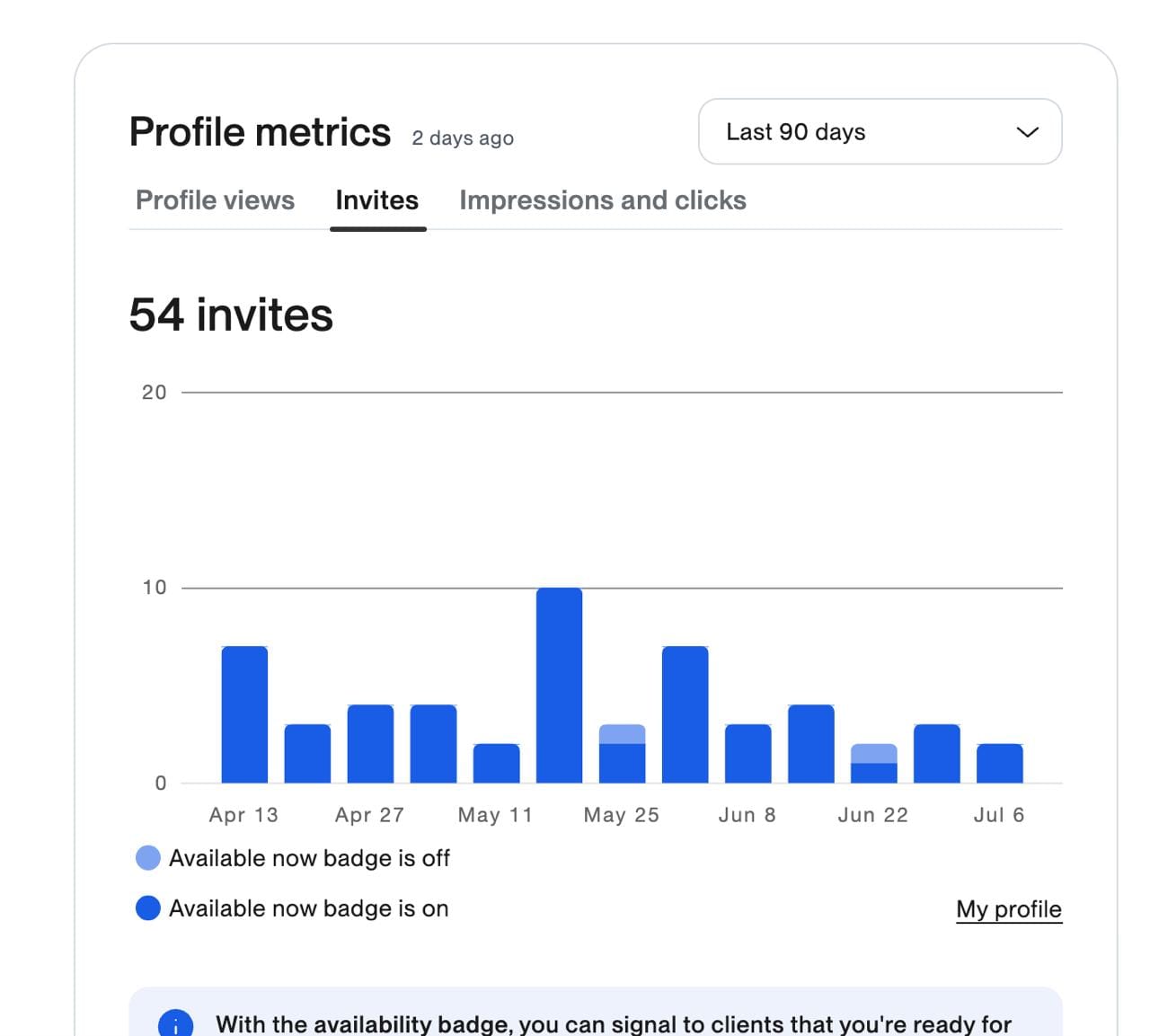
Invites
Invites mean the inbound invitations - NOT direct messages. Invites are shown from both ways - organic and paid
Impressions and Clicks
Impressions means that you are shown on a page when you are paying (boosting profiles. NOT clicked.
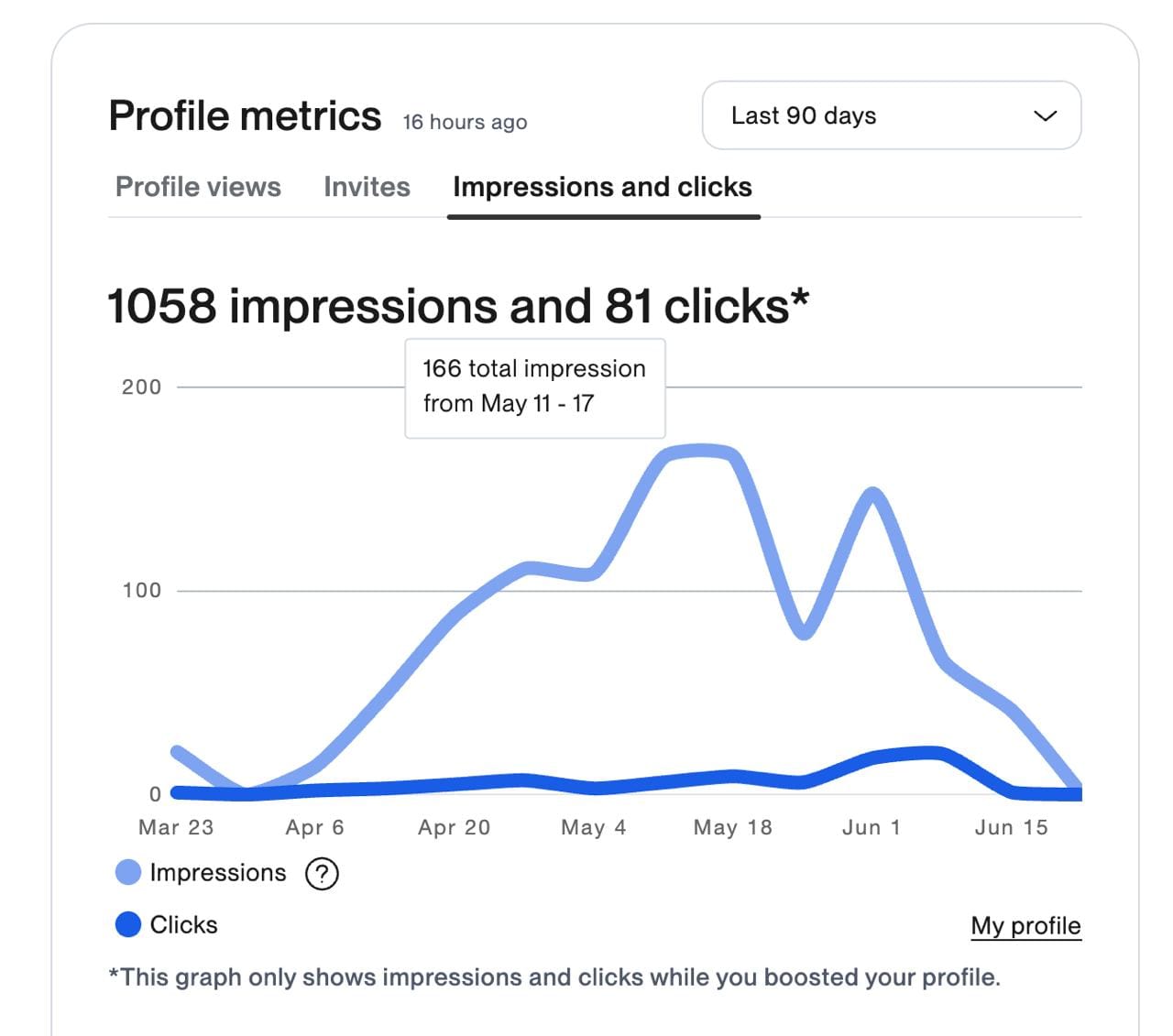
Click is the same as view - it's an exact click on your profile when you are boosted and if they see you because you are boosted.
Your services stats
Catalogs and consultation views are counted separately here:
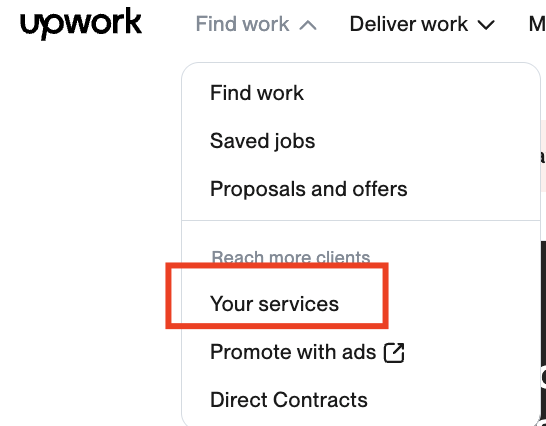
The views there are exactly clicks on your catalog items.
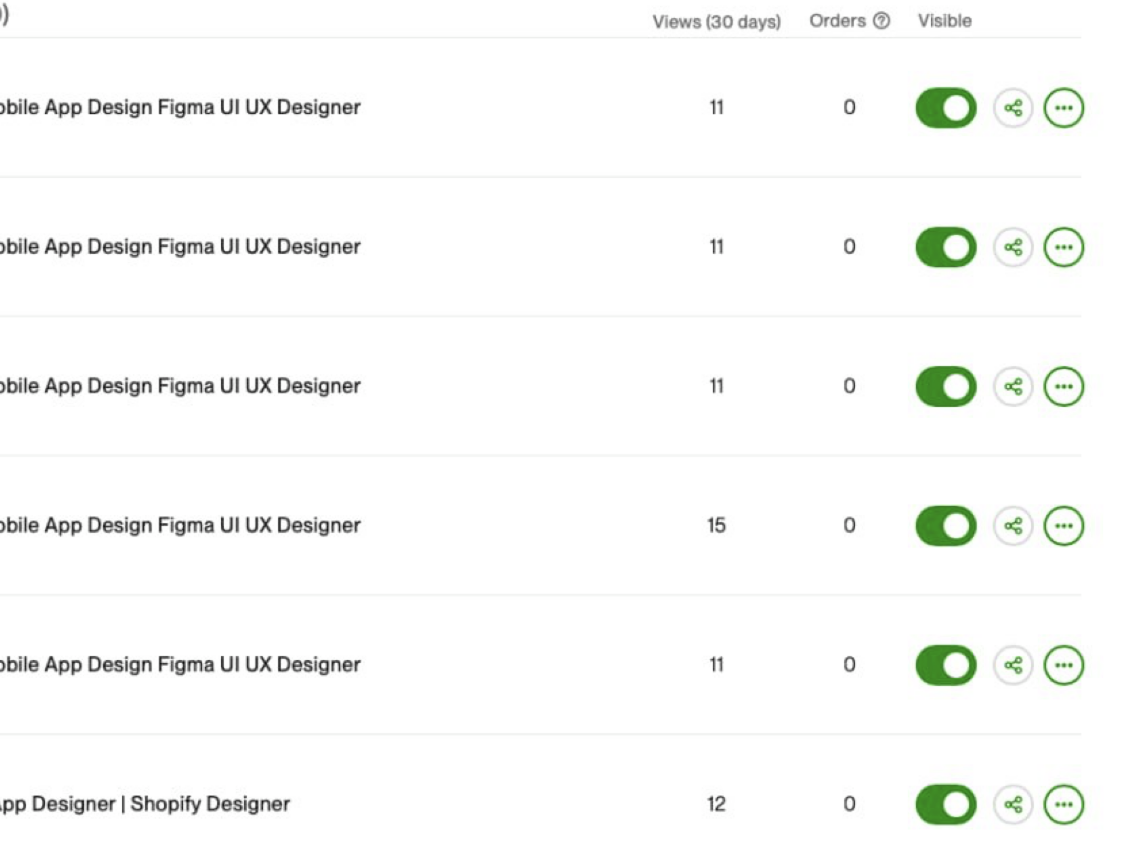
Orders are exact purchases of catalog items.
Hope, it helps ˆ_ˆ
Hugs,
Tamara
buy me a coffee https://buymeacoffee.com/levit
Ukrainian channel in telegram with the same content https://t.me/+QV_LDo85tsc3YzEy